LIVEReading: Open WebUI · local chat UITotal time: 7 minSteps: 4Worked first time: 87%GitHub stars: 42k+Monthly users: 1M+Requires: Ollama + Docker LIVEReading: Open WebUI · local chat UITotal time: 7 minSteps: 4Worked first time: 87%GitHub stars: 42k+Monthly users: 1M+Requires: Ollama + Docker
CBW
#005github.com/open-webui/open-webuiSun, May 11, 2026

Give your local AI a ChatGPT-style interface.

Open WebUI wraps your Ollama models in a full browser interface — conversation history, model switching, file uploads, and image generation. One Docker command. Prerequisite: Ollama running.

// Build stats

  • Total time~7 min
  • Number of steps4
  • DifficultyEasy
  • Worked first time87%
  • Need Ollama first?Yes
  • Need Docker?Yes
What you will build▶ play preview

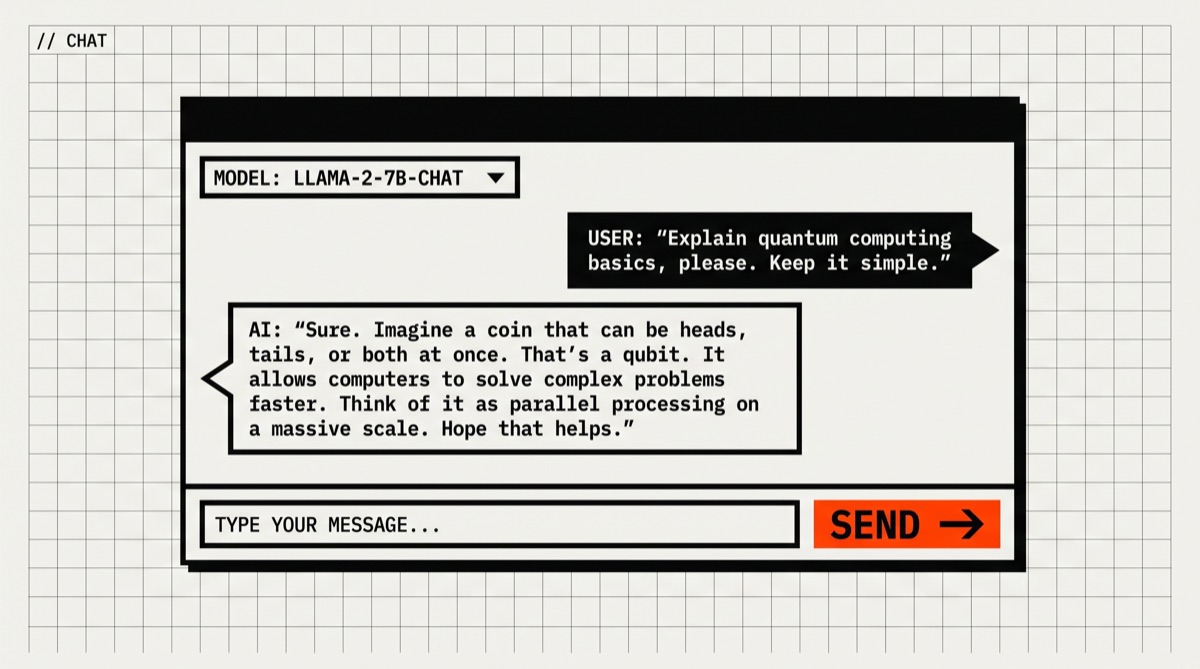
A full chat interface running locally in your browser, connected to your own models.

Open localhost:3000 and you get conversation history, model switching between any Ollama model, PDF upload, and optional image generation. Looks like ChatGPT. Runs on your hardware. Data stays on your machine.

localhost:3000 → chat with Llama 3
“Summarise this PDF in 5 bullet points” [uploads file] → local Llama 3 responds instantly...
// Before you start

What you need (4 things)

  • Ollama installed and runningSee the Ollama guideif you haven't done this yet — it takes 5 minutes
  • Docker Desktop installedFree from docker.com/get-started
  • ~1GB free disk space (the Docker image)
  • 7 minutesMost of that is the image pull on first run
SkimAlready know Docker?
This is the whole thing ↓
# Assumes Ollama is already running on localhost:11434
$ docker run -d -p 3000:8080 --add-host=host.docker.internal:host-gateway -v open-webui:/app/backend/data --name open-webui ghcr.io/open-webui/open-webui:main

# Then open http://localhost:3000
01
Step 1 of 4

Make sure Ollama is running

30 sec

Open WebUI connects to Ollama at http://localhost:11434. Confirm it's running before you start.

Terminal · mac
$ curl http://localhost:11434
What you should see
Ollama is running

If you get “connection refused”, start Ollama first. On Mac/Windows, launch the Ollama app from your Applications folder or system tray. On Linux: ollama serve.

Don't have Ollama yet? Install it in 5 minutes →

Checkpoint

Does curl print “Ollama is running”?

02
Step 2 of 4

Install Docker Desktop

2–4 min

Docker is the container runtime Open WebUI uses to ship as a single portable package. Docker Desktop is the free GUI version that includes everything you need.

Download Docker Desktop for Mac from docker.com/get-started. Pick Apple Silicon or Intel depending on your chip. Install the .dmg, launch it, and wait for the whale icon in your menu bar to stop animating.

Or install via Homebrew:

Terminal · mac
$ brew install --cask docker
Verify it worked
$ docker --version
Docker version 27.x.x, build ...
Checkpoint

Does docker --version print a version number?

03
Step 3 of 4

Run Open WebUI

2–3 min (image pull)

One command. Docker pulls the Open WebUI image (~900MB) and starts a container that connects to your local Ollama. The -v open-webui:/app/backend/data flag saves your conversation history between restarts.

Terminal · mac
$ docker run -d -p 3000:8080 --add-host=host.docker.internal:host-gateway -v open-webui:/app/backend/data --name open-webui --restart always ghcr.io/open-webui/open-webui:main
What you should see
Unable to find image 'ghcr.io/open-webui/open-webui:main' locally
main: Pulling from open-webui/open-webui
... (downloading layers, takes 1–3 min)
a1b2c3d4e5f6
(returns to prompt — container is running in background)
This might happen

Container exits immediately / “Conflict”

docker: Error response from daemon: Conflict. The container name "/open-webui" is already in use.

An old Open WebUI container is already registered. Remove it first: docker rm open-webui. Then re-run the command above.

Checkpoint

Does docker ps show open-webui in the list?

04
Step 4 of 4 · Final

Open the browser and start chatting

1 min

Open http://localhost:3000 in your browser. The first visit asks you to create an admin account — this is local only, no email verification needed. Pick any username and password.

After signing in:

  • Model selector— top-left dropdown. Pick any model you've pulled with Ollama.
  • New chat — top-left pencil icon. Your history is saved automatically.
  • Upload a file — paperclip icon in the message bar. Drop a PDF and ask questions about it.
  • Switch models mid-chat — click the model name at the top to switch without starting a new conversation.
To update Open WebUI later
$ docker pull ghcr.io/open-webui/open-webui:main
$ docker stop open-webui && docker rm open-webui
$ docker run -d ... (same command as step 3)
Your conversation history is preserved in the volume.
// Status

cooked. baked. worked.

You have a full ChatGPT-style interface connected to your local Ollama models. Your data stays on your machine. Your conversations are saved. You can upload files. Switch models. All free.

$ docker ps --filter name=open-webui
CONTAINER ID IMAGE STATUS
a1b2c3d4e5f6 open-webui/open-webui Up 2 hours
→ http://localhost:3000 ✓
cooked · baked · worked ✓
// the honest part

What we did and didn't test

The 7-minute estimate is for the Docker image pull on a fast connection. On slow hotel Wi-Fi, the ~900MB image takes longer. Once it's downloaded, startup is under 10 seconds on any modern machine.

We tested Mac (M3), Windows 11 (RTX 3080), and Ubuntu 22.04. The 87% success rate is mostly Windows Docker Desktop issues — specifically the WSL 2 requirement. If WSL 2 isn't set up correctly, Docker won't start. The Docker Desktop installer handles this automatically, but occasionally it needs a reboot to complete.

The PDF upload feature is solid for structured documents. Scanned PDFs (images of pages, not searchable text) are hit or miss — Whisper is the better tool for audio; for scanned documents, use a dedicated OCR step first.

// Things that broke for other people

Trouble? Try these first.

4 fixes
WindowsStep 2 · Docker WSL 2most common
Docker Desktop won't start / “WSL 2 installation is incomplete”
WSL 2 installation is incomplete.
Run wsl --updatein PowerShell as Administrator, then restart your machine. If Docker still won't start, download the WSL 2 kernel update package from Microsoft's docs and run it manually.
AllStep 4 · can't connect to Ollamacommon
Open WebUI loads but shows “No models found”
Open WebUI can't reach Ollama. Check that Ollama is running (curl http://localhost:11434should print “Ollama is running”). On Mac/Windows, make sure you used the --add-host=host.docker.internal:host-gateway flag in step 3. On Linux, use --network=host.
AllStep 3 · port already in use
“Port 3000 already in use”
Bind for 0.0.0.0:3000 failed: port is already allocated
Something else (often a Node.js dev server) is on port 3000. Change the host port: replace -p 3000:8080 with -p 3001:8080 and open localhost:3001.
AllStep 3 · container name conflict
“The container name open-webui is already in use”
Remove the old container first: docker rm open-webui. Then re-run the step 3 command. Your data is safe — it's stored in the Docker volume, not the container.
// the daily build

Liked this? One a day, in your email.

Tomorrow's best AI project. Same kind of guide. Free. No spam ever.