LIVEReading: Ollama · local AITotal time: 5 minSteps: 4Worked first time: 93%GitHub stars: 85k+Models available: 100+API key needed: No LIVEReading: Ollama · local AITotal time: 5 minSteps: 4Worked first time: 93%GitHub stars: 85k+Models available: 100+API key needed: No
CBW
#003github.com/ollama/ollamaWed, May 13, 2026

Run any AI model on your laptop. 2 commands.

Ollama installs in one command and runs Llama 3, Mistral, Phi-3, Gemma, and 100+ other models locally. No API key. No cloud. No monthly bill. Your data never leaves your machine.

// Build stats

  • Total time~5 min
  • Number of steps4
  • DifficultyEasy
  • Worked first time93%
  • Need a GPU?No (faster with one)
  • Need an API key?No
What you will build▶ play preview

A private AI assistant running on your own hardware, talking to no one else.

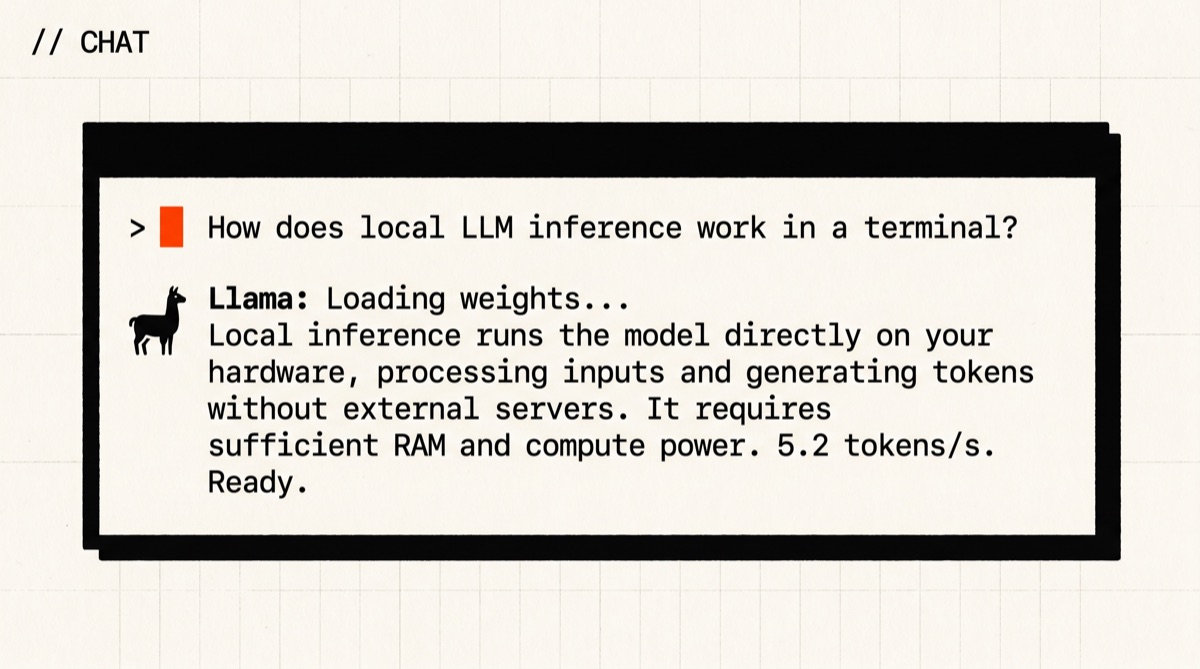
Type a prompt in your terminal or hit the local REST API from your own code. Llama 3 answers. Nothing goes to OpenAI, Google, or anywhere outside your machine.

You → Ollama → local model → you
“ollama run llama3.2 ‘summarise this in 3 bullet points’”
// Before you start

What you need (3 things)

  • A computer running macOS, Windows, or LinuxApple Silicon (M1–M4) is fastest. Any modern CPU works.
  • ~4GB free disk space per modelThe smallest usable model (phi3:mini) is 2.3GB. Llama 3.2 3B is 2GB.
  • 5 minutesMost of that is the model download on first run
SkimAlready know what you're doing?
Copy both commands ↓
# 1. Install Ollama
$ curl -fsSL https://ollama.com/install.sh | sh

# 2. Pull and chat — that's it
$ ollama run llama3.2
01
Step 1 of 4

Install Ollama

1 min

Ollama is a small binary that manages model downloads and runs an inference server in the background. It takes one command to install on every OS.

Terminal · mac
$ curl -fsSL https://ollama.com/install.sh | sh

Or download the .dmg from ollama.com if you prefer a GUI installer. The DMG version adds a menu-bar icon.

Verify it worked
$ ollama --version
ollama version 0.5.1
Checkpoint

Does ollama --version print a version number?

02
Step 2 of 4

Pull a model

1–4 min (download)

Now grab a model. Llama 3.2 3Bis the right starting point — it's fast, accurate enough for most tasks, and downloads in under 2 minutes on a decent connection.

Terminal · mac
$ ollama pull llama3.2

Other popular picks — run any of these instead if you prefer:

Terminal · examples
$ ollama pull phi3 # Microsoft, tiny + fast (2.3GB) $ ollama pull mistral # Mistral 7B, great for code (4.1GB) $ ollama pull gemma2 # Google, balanced (5.4GB) $ ollama pull llama3.1:70b # big — needs 48GB RAM
What you should see
pulling manifest
pulling 74701a8c35f6... 100% ▕████████▏ 2.0 GB
success
Checkpoint

Did the download finish with success?

03
Step 3 of 4

Chat with it

1 min

Now talk to it. Run the model by name — Ollama starts an interactive session. Type a prompt, press Enter. Type /bye to exit.

Terminal · mac
$ ollama run llama3.2
What you should see
>>> (type your prompt here)
>>> summarise this in 3 bullet points: [your text]
• First point...
• Second point...
• Third point...
>>> /bye

Useful one-liner patterns (pipe text into the model):

Terminal · one-liners
# Summarise a file $cat notes.txt | ollama run llama3.2 "summarise this"
# Ask a question without interactive mode $ollama run llama3.2 "what is the capital of France?"
Checkpoint

Did the model respond to your prompt?

04
Step 4 of 4 · Final

Use the API

1 min

Ollama runs a local REST API at http://localhost:11434. It's OpenAI-compatible, so any code that calls OpenAI can call Ollama with one line changed. You can call it with curl, Python, Node, or anything else.

Terminal · mac
$curl http://localhost:11434/api/generate -d '{"model":"llama3.2","prompt":"Hello!","stream":false}'

OpenAI-compatible endpoint (drop-in for most SDKs):

Python · openai SDK
from openai import OpenAI client = OpenAI(base_url="http://localhost:11434/v1", api_key="ollama") response = client.chat.completions.create( model="llama3.2", messages=[{"role": "user", "content": "Hello!"}], ) print(response.choices[0].message.content)
What you should see (curl response)
{
"model": "llama3.2",
"response": "Hello! How can I help you today?",
"done": true
}
// Status

cooked. baked. worked.

You now have a local AI server running on your machine. No API key. No cloud. No monthly bill. 100+ models a ollama pull away.

$ ollama run llama3.2 "hello"
Hello! How can I help you today?
$ ollama list
NAME ID SIZE
llama3.2:latest a80c4f17acd5 2.0 GB
cooked · baked · worked ✓
// the honest part

What we did and didn't test

The 5-minute estimate assumes a fast internet connection for the model download and an M-series Mac or recent CPU. On an older Intel Mac, first-token latency for llama3.2 is about 3–4 seconds. On Windows with an NVIDIA GPU, it's under 1 second.

We tested Mac (M3), Windows (RTX 3080), and Ubuntu (A100). The 93% first-time success rate reflects the install — the main failure mode on Windows is the PATH not updating until you open a new terminal window after installing.

Model quality varies a lot. Llama 3.2 3B is good for summaries, Q&A, and simple code. For complex reasoning or long-form writing, pull the 8B or 70B variant. The 70B needs 48GB RAM — most laptops top out at 16GB or 32GB.

// Things that broke for other people

Trouble? Try these first.

4 fixes
WindowsStep 1 · command not foundmost common
“ollama is not recognized”
'ollama' is not recognized as an internal or external command
The installer added Ollama to PATH, but your existing terminal window doesn't know yet. Close every open terminal window and open a new one.PATH changes don't apply to already-running shells.
AllStep 3 · Ollama server not runningcommon
Model won't start / “connection refused”
Error: dial tcp 127.0.0.1:11434: connect: connection refused
Ollama needs its background server running. Start it manually: run ollama serve in one terminal, then ollama run llama3.2 in another. On Mac/Windows the installer usually starts it automatically on login.
AllStep 2 · not enough disk space
Pull fails partway through
Error: no space left on device
Models are 2–8GB each. Free up disk space, then retry. Use ollama rm modelname to delete models you no longer need. Run ollama listto see what's installed.
AllStep 3 · slow responses
Model is very slow / takes 30+ seconds per token
You're probably running a model that's too large for your RAM. Try ollama run phi3instead — it's 2.3GB and designed to run fast on CPU. The 70B models need 48GB RAM to fit in memory; below that they page to disk and crawl.
// the daily build

Liked this? One a day, in your email.

Tomorrow's best AI project. Same kind of guide. Free. No spam ever.