01
Step 1 of 5
Open Excalidraw in your browser
30 sec
The fastest way to use Excalidraw is to visit the hosted version at excalidraw.com. Nothing to install. It works offline after the first load because it is a Progressive Web App (PWA). Your drawings are saved automatically in your browser — they stay there even if you close the tab.
Terminal · mac
$ https://excalidraw.com
What you should see
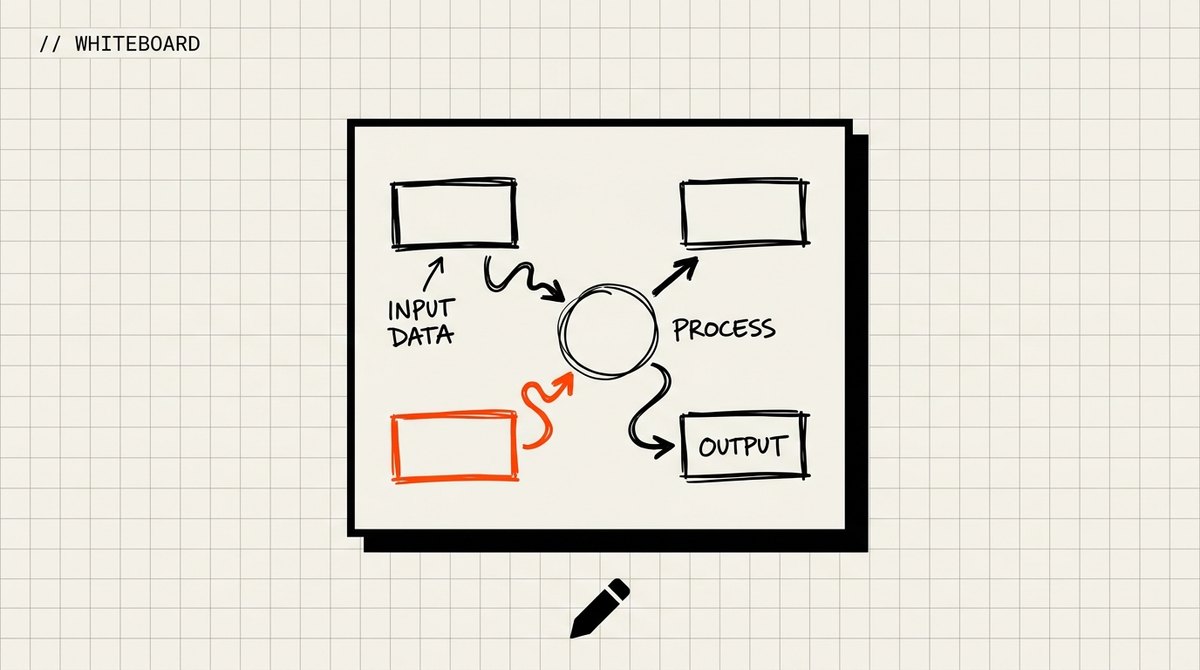
A blank infinite canvas opens with a toolbar on the left and top. You are ready to draw.